
Choose the time and apps
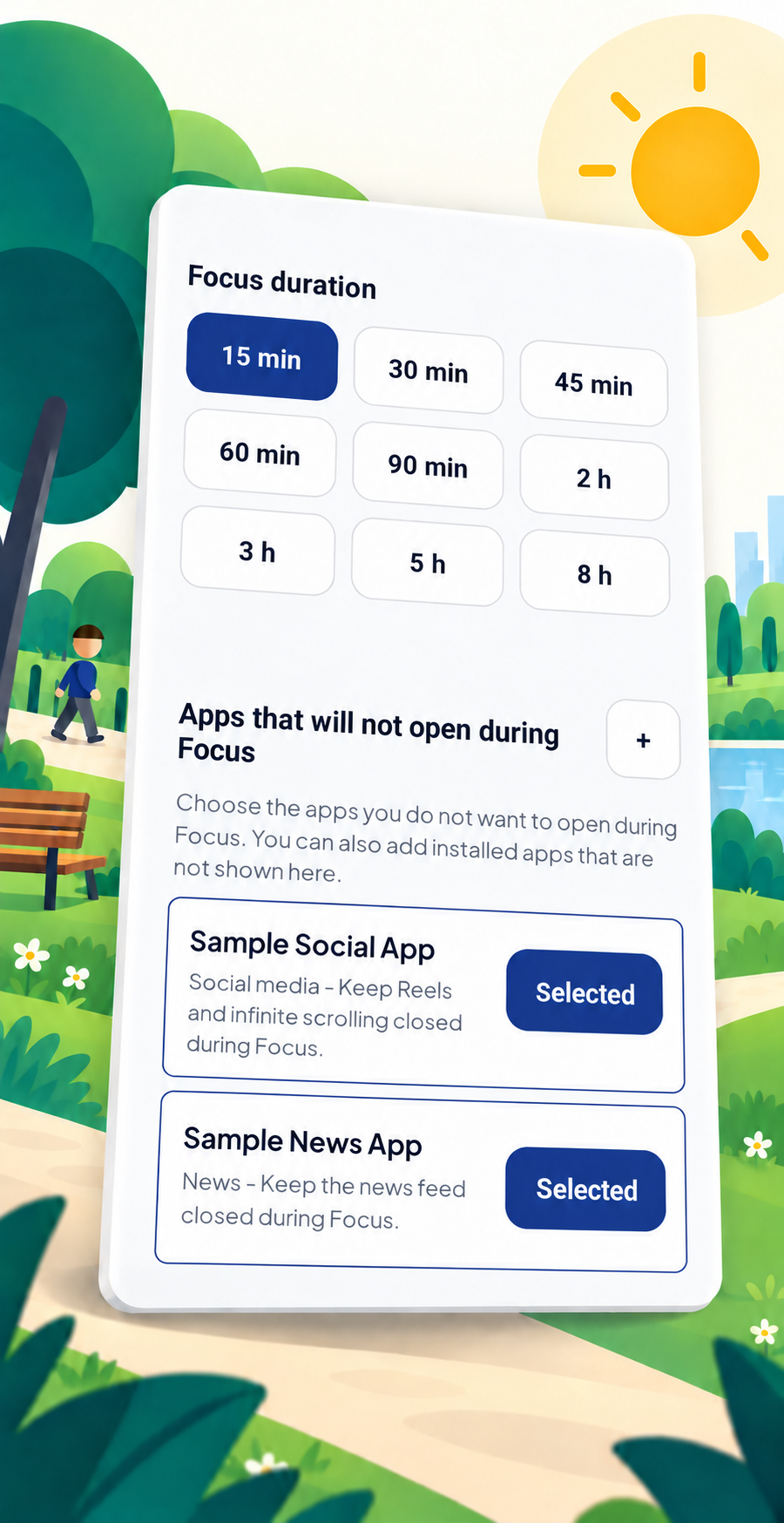
Set a Focus time from 15 minutes to 8 hours. Choose the apps you want to keep closed during it.
See what MuchiLife does and what happens during a Focus, step by step.
Set a Focus time from 15 minutes to 8 hours. Choose the apps you want to keep closed during it.
Enable the Android access Focus Shield needs to detect selected apps and appear in front of them.
Focus Shield keeps the selected apps closed until the timer ends. You can follow the remaining time on screen.
The apps become available again. Completed time is added to your Focus history and statistics.
A guest account stays on this device and does not sync across devices. Link Google to access your account from supported devices and use additional recovery options.
MuchiLife is a time-management tool; it does not permanently lock your device. Focus Shield behavior can vary by Android version and device manufacturer settings.
A token adds one more decision before you leave a Focus session early. It does not make leaving impossible; it makes the boundary less easy to remove on impulse.
When you start a Focus of 30 minutes or longer, one token is held. Stay until the timer ends and it returns to your balance.
If you choose to leave Focus before the timer ends, one token is used. MuchiLife first shows what will happen and asks you to confirm your decision.
Tokens are not a fee for accessing the app. Focus sessions shorter than 30 minutes do not require one, and MuchiLife never starts a purchase automatically.
Read the Token Policy